How to Create OpenAI API Keys (Step-by-Step Guide)
OpenAI API keys are required if you want to build AI tools like chatbots, content generators, image tools, or automation software. This guide explains each step with images.
Step 1: Open OpenAI Official Website
Open your browser and visit https://platform.openai.com. This is the official OpenAI developer platform.
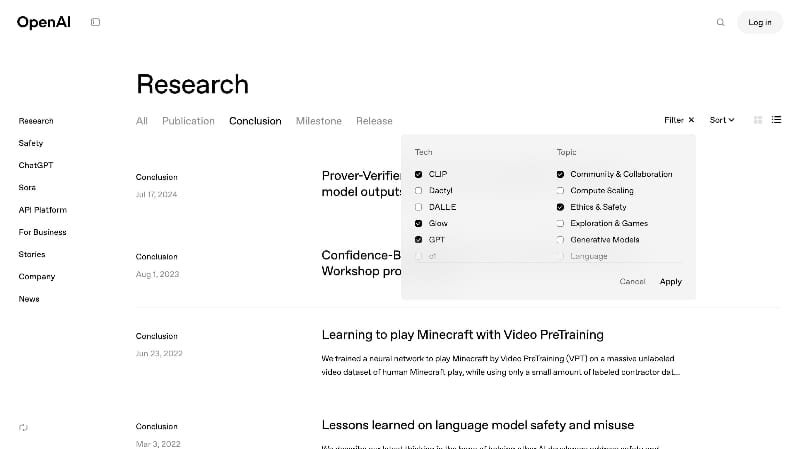
Click on Sign up if you are new or Log in if you already have an account.
Step 2: Create OpenAI Account
You can create an OpenAI account using:
- Google account
- Microsoft account
- Email and password
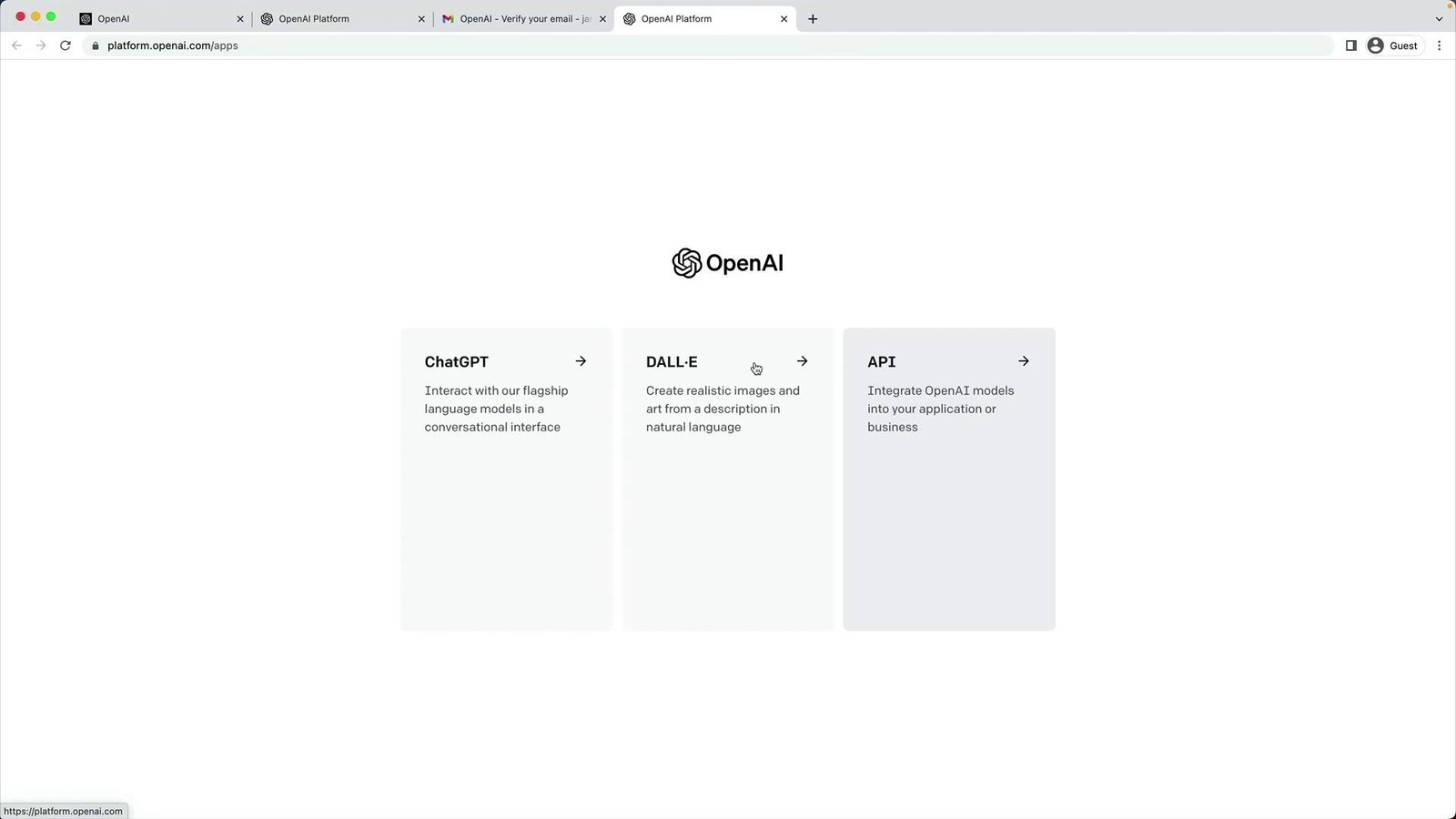
After signup, OpenAI will verify your email and phone number.
Step 3: Access OpenAI Dashboard
Once logged in, you will see the OpenAI dashboard. This is where you manage API keys, billing, and usage.
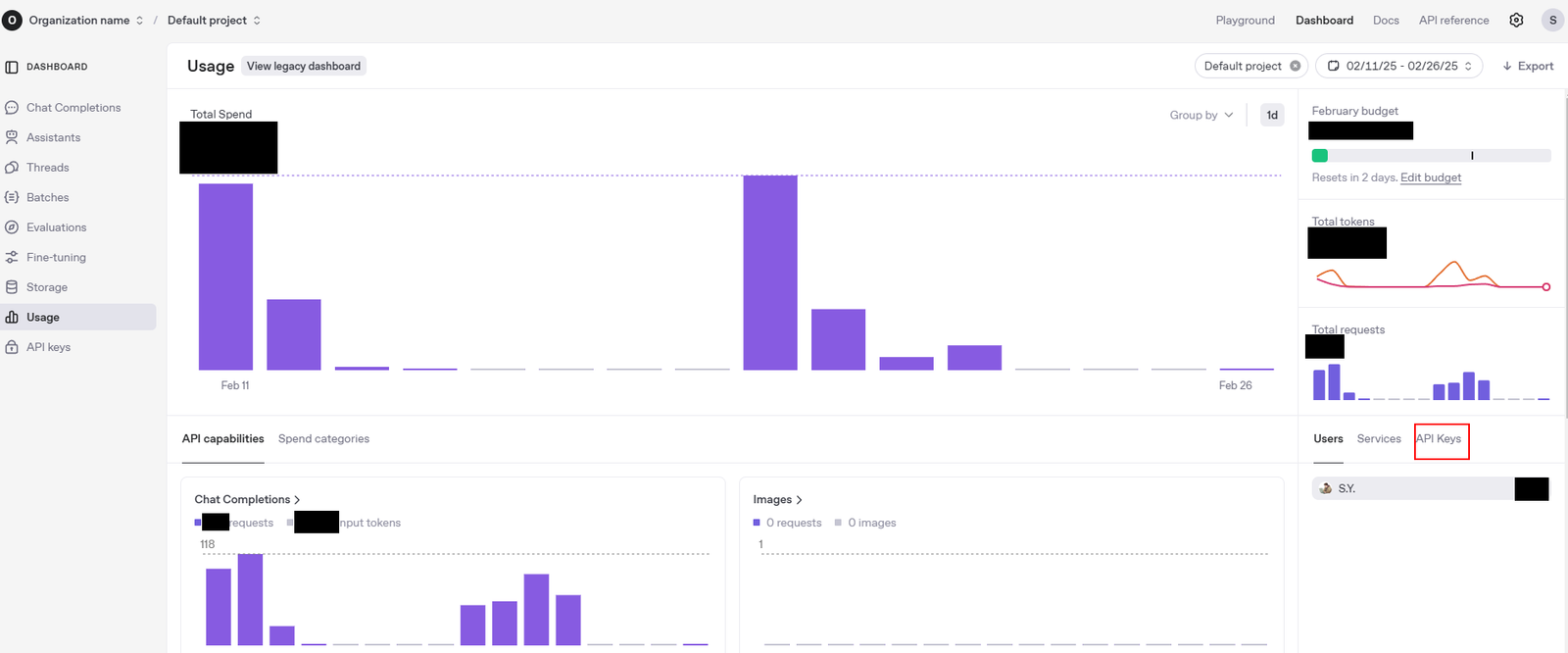
Step 4: Open API Keys Page
Click on your profile icon (top-right corner) and select View API Keys.
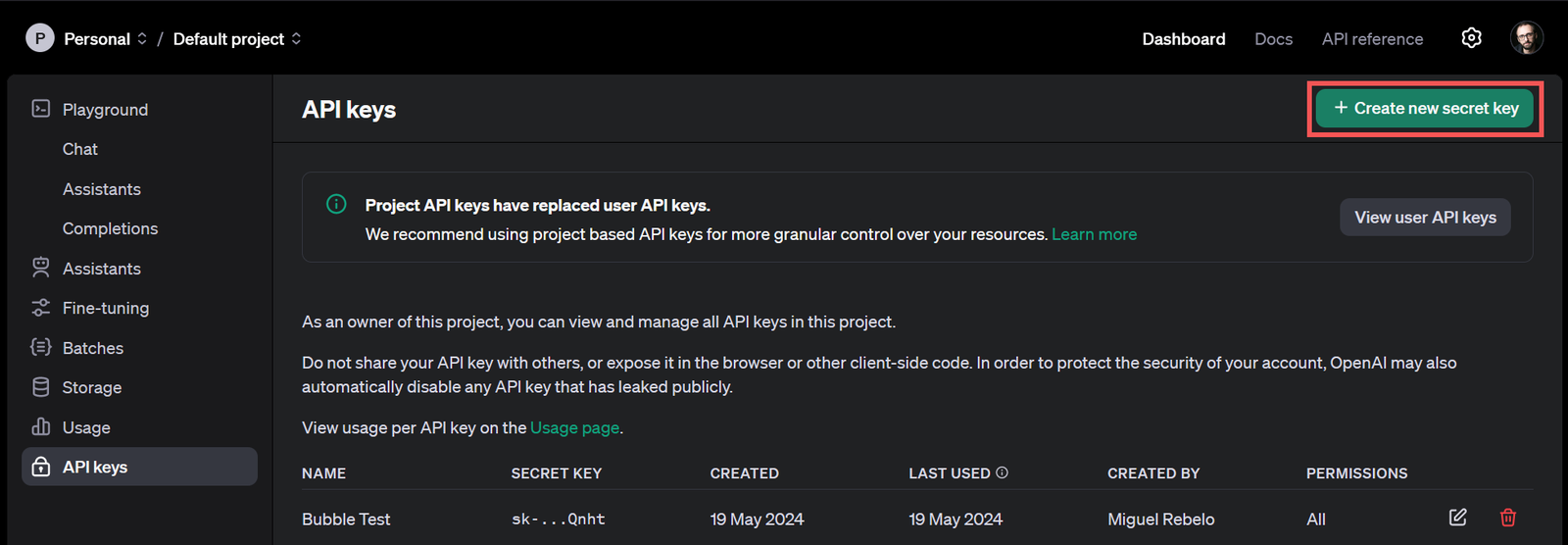
Here you can create, delete, or manage API keys.
Step 5: Create New OpenAI API Key
Click on Create new secret key. OpenAI will instantly generate a new API key.
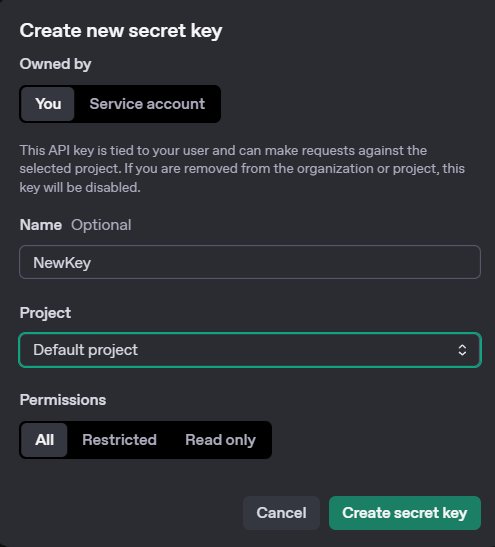
Example API Key:
sk-proj-xxxxxxxxxxxxxxxxxxxx
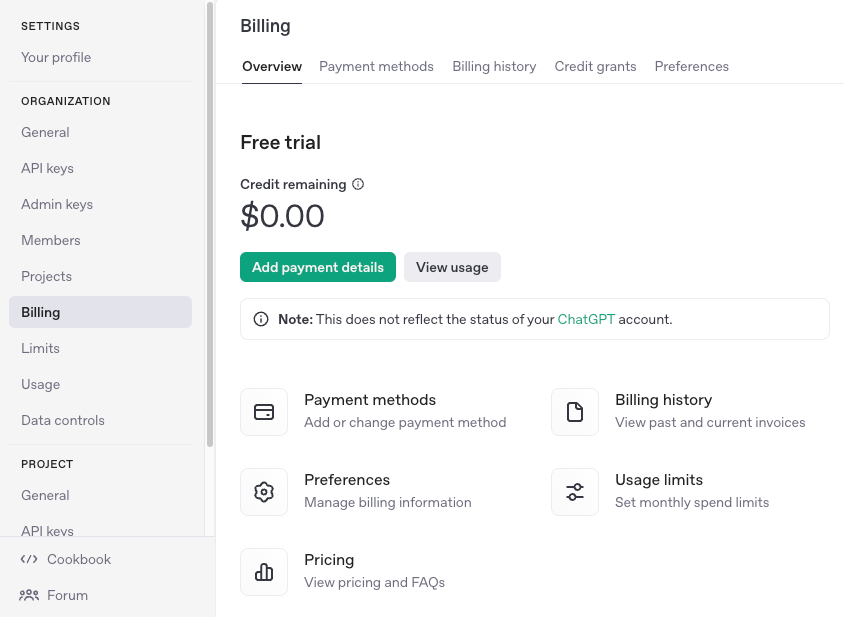
Step 6: Enable Billing
To use OpenAI API, billing must be enabled. Go to Billing and add your card.
Best Practices for OpenAI API Keys
- Never expose API key in frontend code
- Store keys in backend or environment variables
- Use different keys for development & production
- Rotate keys regularly
Conclusion
Creating an OpenAI API key is simple but extremely important. Once created, you can build powerful AI applications, tools, and SaaS products using OpenAI models.